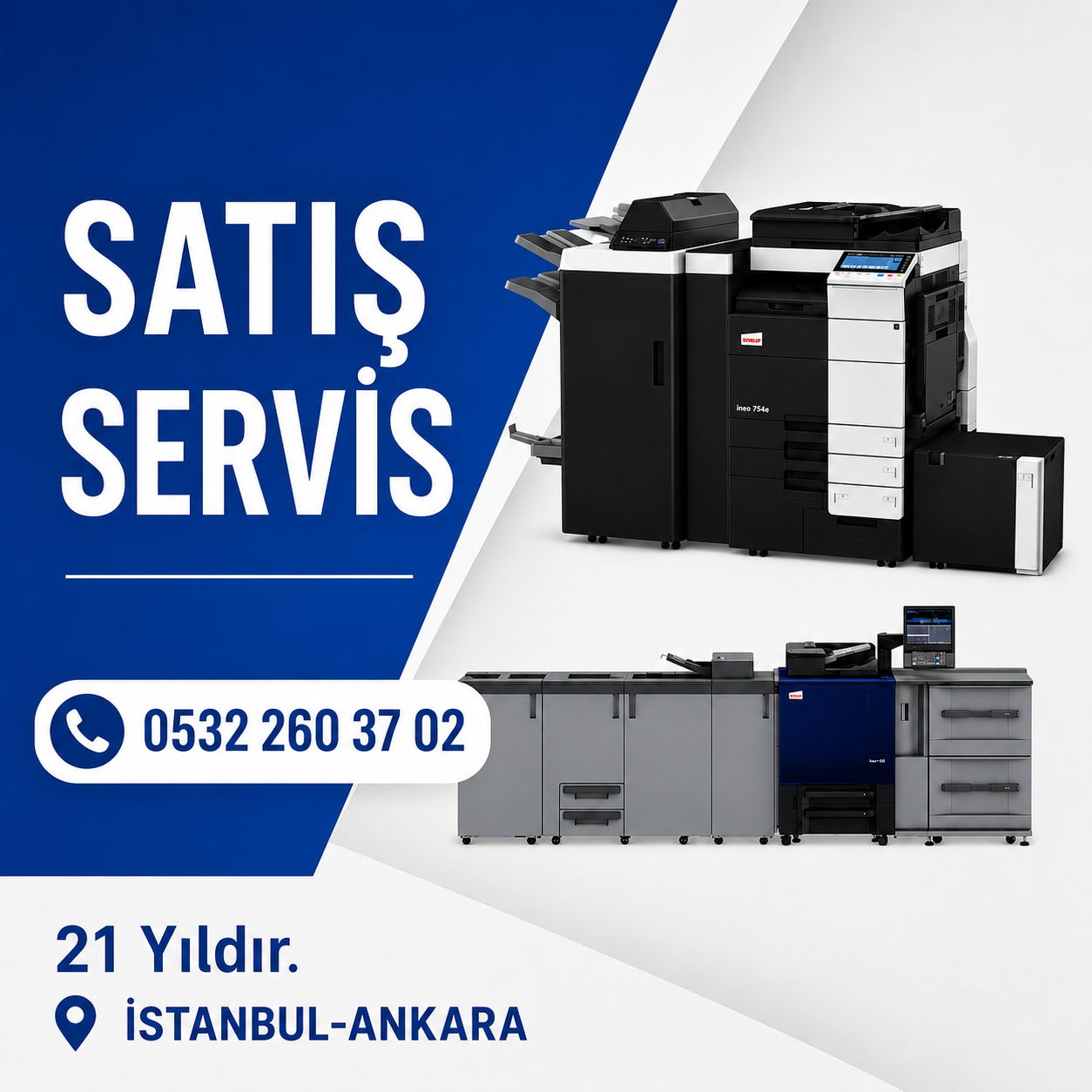

Konica Minolta AccurioPress C12000, C4065, and C3070 Series Production Machines Technical Malfunction Analysis, Forum Trends, and Remote Support Strategies
In the digital production printing landscape, Konica Minolta's AccurioPress series—particularly the C12000, C4065, and C3070 models—serves as the operational backbone for high-volume print centers and commercial printers. These machines are more than just mechanical engineering marvels; they are sophisticated computing centers equipped with complex software layers, network protocols, and advanced image processing algorithms. In this sector, where operational continuity is critical, rapid fault diagnosis and remote intervention capabilities play a vital role in minimizing total cost of ownership and downtime. Discussions on professional forums such as Reddit, PrintPlanet, and Copytechnet reveal the most common technical bottlenecks encountered by users, software-based solutions, and hidden parameter settings applied by service technicians in the field.

Evolution of the AccurioPress Production Line and Model Architecture
The AccurioPress series spans a wide spectrum from entry-level production (C3070/C4065) to flagship high-volume digital presses (C12000/C14000). While the C3070 series is characterized as a "workhorse" due to its durability and media flexibility, its successor, the C4065 series, has made significant technological leaps, particularly in media detection sensors and integration with the IQ-501 (Intelligent Quality Care) unit. The flagship C12000/C12010 models define industrial standards with speeds of up to 120 pages per minute and monthly duty cycles reaching millions of prints.
In the technical support processes for these machines, issues stemming from software and network configurations are more prevalent than purely hardware-based malfunctions. Forum analyses focus specifically on the performance differences between image controllers, namely the IC-60x (Konica Minolta's native controller) and Fiery alternatives. Many users prefer Fiery controllers for complex color management and workflow automation, while the importance of native options like the IC-609 is emphasized for deep machine integration and cost efficiency.
Remote Support Infrastructure and Software Intervention Tools
Konica Minolta has established a multi-layered remote support ecosystem to reduce physical interventions in modern production machines. This ecosystem allows service technicians and software support specialists to diagnose issues without needing physical access to the machine.
Remote Access and the ISL Support Tool
For remote installation and software support, Konica Minolta utilizes the ISL (Interactive Service Layer) tool. This tool enables the support team to securely access the customer's system, install printer drivers, and make real-time setting changes.
CSRC (Customer Support Remote Communication) and Telemetry
The CSRC system allows machines to periodically transmit telemetry data to a central system via WebDav servers. This data covers a wide range, from consumable levels to the frequency of error codes. Data received via CSRC is used to monitor the "health status" of the machine and plan proactive maintenance before a failure occurs.
Remote Panel and Template Management
The Remote Service Platform can mirror the operator's screen directly to the support specialist's computer. This "Remote Panel" feature is a critical tool for configuring complex network settings, fixing scanning protocols (SMB, FTP, LDAP), and synchronizing user authentication systems. Furthermore, configuration templates taken from a functional machine can be remotely uploaded to a newly installed or problematic machine to stabilize the system within seconds.
Comprehensive Diagnostic Analysis: 99+ Critical Errors and Contexts
Malfunctions encountered in production machines can be categorized into network and communication errors, system and software instabilities, C-codes requiring service calls, and image quality issues. The following tables and subsequent analyses include nearly 100 error codes most commonly encountered in remote support processes that can be resolved through software or adjustment interventions.
Network, Protocol, and Authentication Errors
This error category generally covers communication breakdowns between the machine and the office network, email servers, or scan targets. For remote support specialists, this area represents the broadest field of work that does not require physical intervention.